How to Design Realistic Metallic Textures in Photoshop
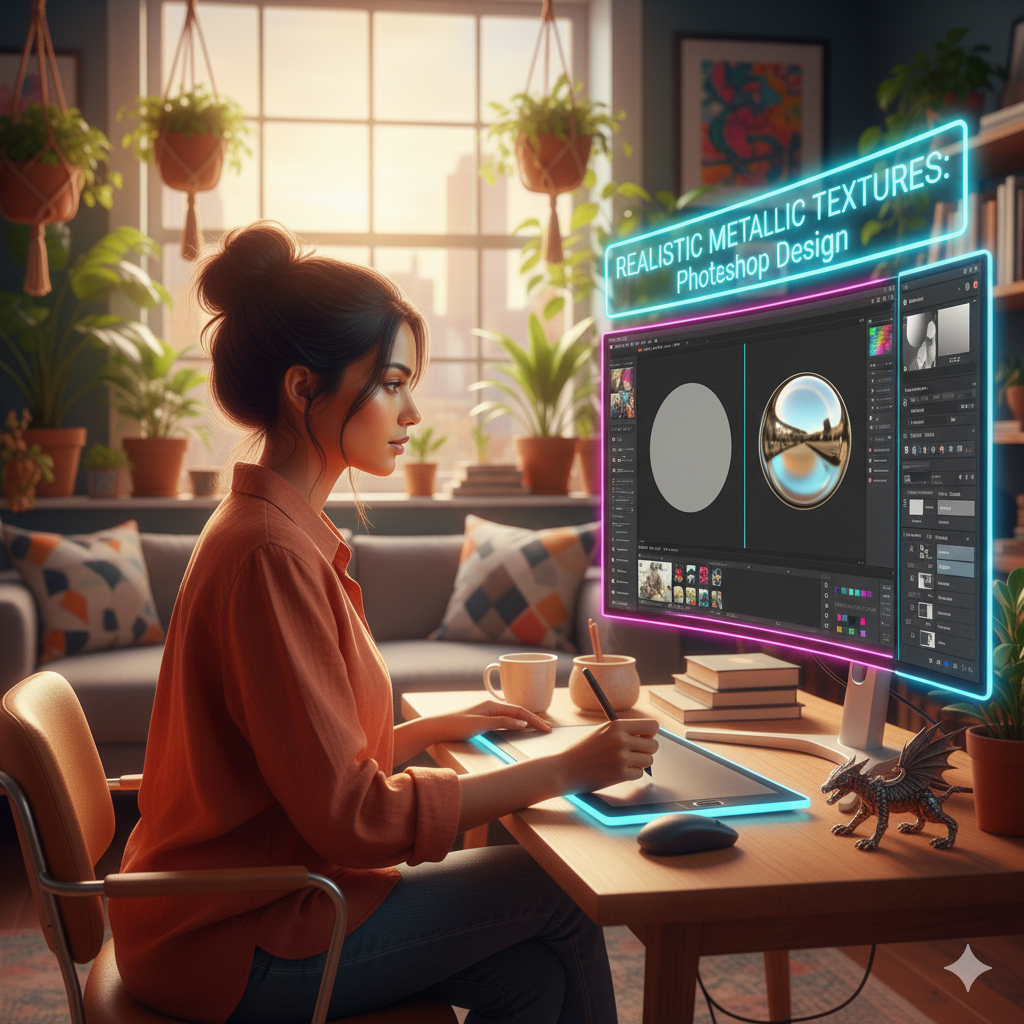
How to Design Realistic Metallic Textures in Photoshop
Text, objects, and images in Photoshop may all be given a distinctive and sophisticated appearance by using metallic textures. In order to achieve realism, it is necessary to pay close attention to reflections, highlights, shadows, and surface defects that imitate the way metal interacts with light. From brushed brass to polished chrome, designers are able to create metallic effects with professional accuracy by mixing layer styles, gradient overlays, texture mapping, and blending methods. These approaches allow designers to create stunning metallic effects.
A Comprehensive Understanding of the Properties of Metal
Metal that is realistic has certain visual qualities:
- Reflection: Metals reflect the colors and light that are in their surroundings.
- Bright highlights and specular reflections are produced by light sources, which are responsible for the shine and highlights.
- The surfaces of metals might be smooth, brushed, or distressed, depending on their texture.
- Metals, such as gold, silver, copper, or steel, each have their own unique tones and minor color changes. These variations in color are referred to as color variations.
- A metallic texture that is effective should be able to successfully imitate these features.
The process of preparing your text and document
To begin, choose text or object forms that have a good quality. Text layers should be converted to Smart Objects so that non-destructive editing may be performed. Separate the text layer from the backdrop layer so that you may apply metallic effects without influencing the other design components. This will provide you greater control. The correct configuration guarantees that there is room for change in design or alterations in the future.
Gradient overlays are being applied to the base color.
Metallic effects would not be possible without the use of gradients. When you want to replicate reflecting surfaces, you may use the Gradient Overlay feature in the layer styles panel. The use of modest gray-to-white gradients is recommended for silver, while the use of a combination of yellow, orange, and light brown tones indicates gold. Make adjustments to the gradient angle so that it corresponds with the light source that is observed. This will provide the impression of curvature and reflected highlights.
Achieving Depth and Highlights Through the Use of Layer Styles
In order to generate dimensionality, use the Bevel and Emboss techniques. Adjust the Depth, Size, and Soften settings in order to manage the apparent roundness of the metallic surface. Highlights and shadows may be improved with the help of Contour. Increasing the depth of the metal and its reflected appearance may be accomplished by adding minor Inner Shadow and Satin effects.
Including Textures in Order to Achieve Realism
On their own, smooth slopes might give the impression of being level. Utilize many layers of texture to create the appearance of brushed, scraped, or hammered metal. It is possible to layer textures by using the Soft Light, Overlay, or Multiply blending modes, and then changing the opacity in order to preserve elegance. Layers of noise or grain may also be used to provide micro-variation, which helps to enhance realism.
Developing Reflections and Highlights in Specular Reflections
The light that surrounds real metal causes it to respond. When working with a duplicate Smart Object or a new layer that is 50% gray and set to Overlay, use the Dodge and Burn methods. Paint the highlights and shadows with a gentle touch to draw attention to the reflecting surfaces. For glossy metals, the specular highlights should be brilliant and small, whereas for matte finishes, they should be much wider.
Modifications to the Color of Different Metals
Specific tonal treatments are required for various metals, including:
- Gold: Yellows that are warm with highlights that are softly gradient.
- Reflections with a strong contrast and cool grays are referred to as silver/chrome.
- A base that has a reddish-brown color with modest gradient changes is called copper/bronze.
- Hue/Saturation, Color Balance, and Curves are examples of adjustment layers that provide fine-tuning for perfect color matching and mood.
The Importance of Environmental Context in Enhancing Realism
Take into consideration the subtle reflections of the world around you in order to get a genuine metallic effect. Even minute color suggestions from items in the immediate vicinity might give the impression that metal is integrated and shiny. Simulating these ambient reflections may be accomplished via the use of clipped layers or soft gradient overlays.
The Maintenance of a Workflow That Is Not Destructive
Ensure that any metallic effects are rendered on distinct layers or Smart Objects. You may tweak highlights, textures, and color without affecting the basic text by using masks to isolate certain sections for selective edits. Masks enable you to do not change the original text. Workflows that are non-destructive guarantee that there is flexibility for iterative modifications or changes made by the customer.
Last Minutes and the Final Product
When you zoom in, you may examine features such as the brightness, textures, and smoothness of the edges. The final sharpening should be applied sparingly in order to accentuate metallic features, especially on reflecting edges. Make sure that the metallic textures are preserved in their crispness and visually appealing appearance by exporting the picture at a high quality for use in print, online, or motion graphics.
It is necessary to carefully overlay gradients, highlights, shadows, and textures in Photoshop in order to create convincing metallic textures. Designers are able to create metallic effects for text and objects that are equivalent to those used in professional settings by mixing different layer styles, Dodge and Burn modifications, and minor color variations. When these approaches are mastered, it is possible to create designs that are polished and visually lively, making them perfect for branding, product images, and digital artwork.